

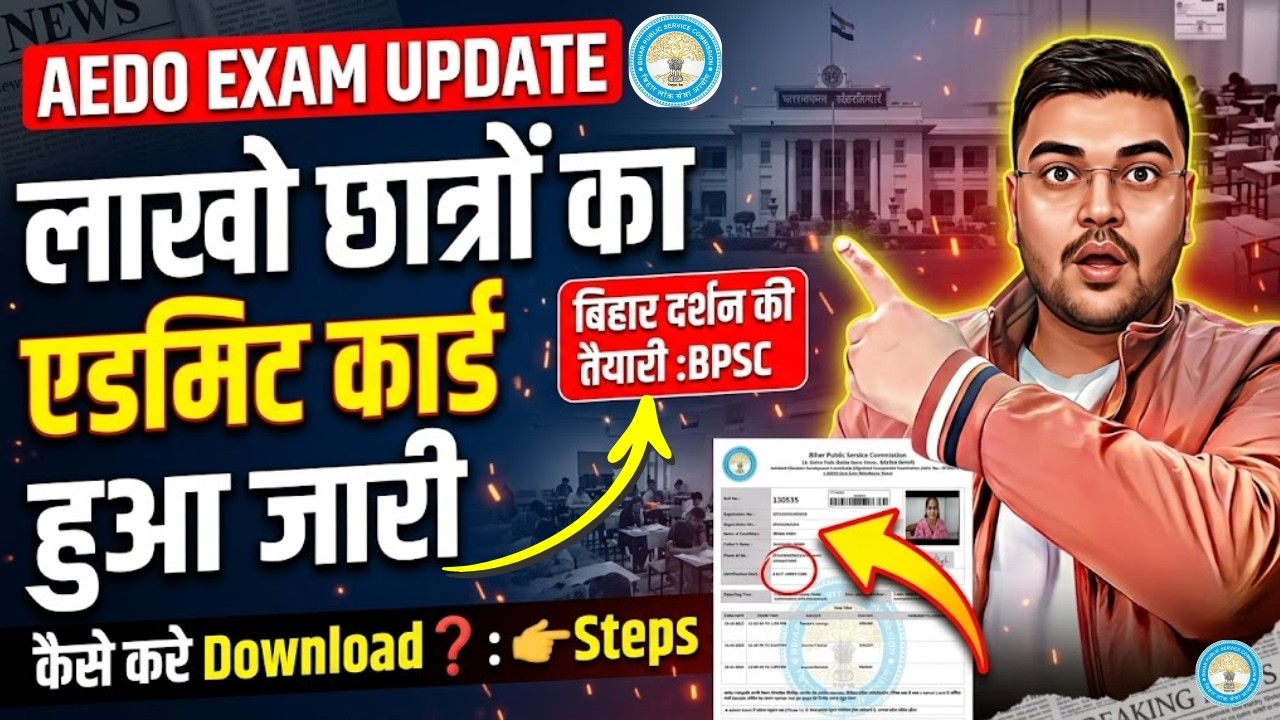
Are you preparing for the BPSC Aedo exam? This practical guide walks you through the simple steps to download your BPSC Aedo admit card hassle-free, ensuring you don't miss out on this crucial document for your exam day.
How to Download Your BPSC Aedo Admit Card: Step-by-Step Guide for Aspirants (2026)
Don’t risk exam-day stress. Learn the exact steps to download your BPSC Aedo admit card safely and quickly.
1) Admit Card: The One Document You Can’t Afford to Miss
If you’re preparing for the BPSC Aedo exam, your admit card is more than a formality—it’s your entry pass to the exam hall. Without it, you may not be allowed to sit for the test, regardless of how well you’ve prepared. So once you find the admit card link is active, your mission is simple: download it correctly, verify details, and keep multiple copies.
2) Before You Start: Gather What You’ll Need
To download your BPSC exam admit card without errors, keep these things ready:
- Registration/Application Number (used during form submission)
- Password/Date of Birth (whatever BPSC asks on the portal)
- A stable internet connection
- A device to access the official website (mobile/laptop)
- Printer access (recommended, though many candidates use digital copies too)
3) Use Only the Official Website (Avoid Fake Links)
When admit cards start trending on social media, so do fake websites. Some pages claim “direct download” but may be scams or malware traps. Always use the BPSC official portal (or the official notice page where the admit card link is published). Your safest path is:
BPSC → Admit Card Link → Login → Download PDF
4) Step-by-Step: Download BPSC Aedo Admit Card
Follow these steps exactly:
- Visit the official BPSC website.
- Look for the section/news titled “Admit Card”, “Download Admit Card”, or “Aedo Admit Card”.
- Click the relevant link (make sure the exam name matches “Aedo”).
- Enter your Application Number and other required details (DOB/Password as prompted).
- Submit/Proceed to view the admit card.
- Download the PDF.
- Open the PDF and confirm it loads clearly (not a corrupted file).
- Print or save a backup version (PDF + screenshot).
5) Verify Everything on the Admit Card Immediately
The download is only half the task. Within the same session, verify:
- Candidate name (spelling and order)
- Roll number / registration details
- Exam date and shift
- Exam center name and address
- Photograph and signature clarity
- Category details (if applicable)
- Guidelines printed on the admit card
6) Common Download Issues (And How to Fix Them)
Most admit card problems come from avoidable reasons. Try these fixes:
- “No record found”: Double-check your application number and DOB/password spelling.
- Site slow/crashing: Retry during off-peak hours (early morning or late night).
- PDF not opening: Use a different app/browser or update your PDF reader.
- Blur/incorrect details: Take screenshots as proof and report quickly.
7) Keep Copies the Smart Way (Exam-Day Readiness)
Once downloaded, handle your admit card like an “important file.” Do this:
- Save the PDF on phone + laptop
- Take a clear printout if possible
- Keep a screenshot of key details (roll number, exam center, date)
- Save it in a dedicated folder like:
BPSC_Aedo_AdmitCard_2026/
8) Case Study: How One Aspirant Avoided a Last-Minute Disaster
Imagine a candidate, Riya, who applied for BPSC Aedo but waited until the night before the download link was active. The next day, the site was slow and she repeatedly entered details incorrectly—mainly because she had copied them from messages instead of the original application form.
Here’s what she did differently after pausing for 10 minutes:
- She opened her application confirmation page and verified the application number exactly.
- She downloaded the PDF on her laptop using a different browser.
- She checked the exam center and shift immediately.
- She printed two copies and saved one as an offline backup.
9) Implications & Tips for Students (and Early-Career Aspirants)
Your admit card isn’t just for entry—it’s also a reminder of the timeline. Use it to improve your last-mile preparation:
- Plan your travel and reporting time based on exam center location.
- Revise high-yield topics the same day you download your admit card.
- Make a checklist for exam day: ID proof, admit card printout, stationery, and water (as allowed).
- If your exam is soon, avoid “new study plans” and focus on mock tests and revision.
10) Final Motivation: Treat the Process Like Part of Preparation
Preparation isn’t only studying—it’s also managing logistics. Downloading your BPSC Aedo admit card with focus is a skill that reflects discipline. When you handle details confidently, you naturally reduce anxiety and perform better.
Case Study (Detailed Example With Results)
Scenario: Two students, Amit and Neha, both applied for BPSC Aedo.
- Amit downloaded the admit card on the first day the link appeared. He checked center details, printed it, and saved backups.
- Neha waited until the last minute. When the site became slow, she rushed her login attempts and later discovered the exam shift detail was different from what she assumed.
- On exam day, Amit reached on time with clear documents, calmly followed the rules, and completed the test without distractions.
- Neha, however, had to adjust her schedule after confirming details, and her preparation time got disrupted.
“Your admit card is the key to the exam hall—download it early, verify it twice, and walk in with confidence.”
🔗 References & Links
Note: Links below are official sources/placeholders—use the latest published notifications on BPSC portal for the exact admit card link and dates.
BPSC Aedo admit card exam-day checklist hall ticket download