

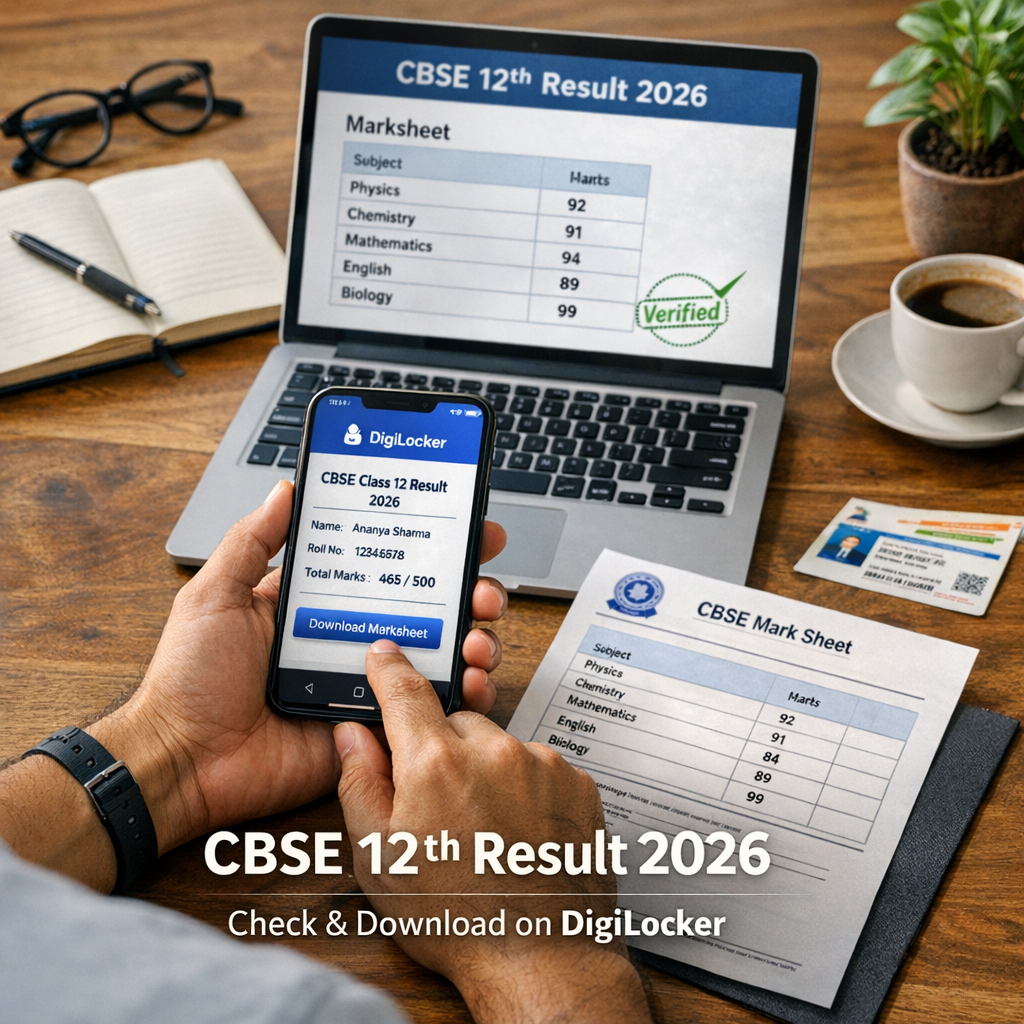
Looking for the CBSE Class 12 result 2026 on DigiLocker? Learn how students can check, download, and verify their marksheet quickly and safely.
CBSE Class 12 Result 2026 on DigiLocker: How to Check Fast
Estimated reading time: 5 mins
Waiting for your Class 12 results can bring a mix of excitement and anxiety. What if there was a fast, secure way to access your marksheet instantly? DigiLocker offers just that for CBSE students in 2026.
As board results often shape the next step in your academic journey, knowing how to quickly check and download your CBSE Class 12 result on DigiLocker can ease that wait and help you plan ahead confidently.
What is DigiLocker and Why Use It for CBSE Results?
DigiLocker is a government-backed digital platform that allows students to securely access and store official documents online, including academic certificates and marksheets. For CBSE Class 12 students, it means your result is just a few clicks away—safe from delays, errors, or physical loss.
For students looking for comprehensive updates on the CBSE Class 12 results 2026, including the latest dates and official links, you can also refer to our detailed guide here.
Important Dates and Deadlines
CBSE typically declares Class 12 results by May every year, but for 2026, keep an eye on official announcements to know the exact date. Being ready to check your result the moment it’s released helps you avoid last-minute stress and system slowdowns.
How to Check Your CBSE Class 12 Result 2026 on DigiLocker — Step by Step
Follow these simple steps for a hassle-free experience:
- Visit DigiLocker official website.
- Log in using your Aadhaar number or mobile number registered with DigiLocker.
- Navigate to the 'Education Documents' section.
- Search for your CBSE Class 12 result 2026 and click to view.
- Download or save the marksheet PDF securely to your device.
- You can also verify the authenticity by cross-checking the document with CBSE’s official portals.
Eligibility and Key Requirements
To access your CBSE Class 12 marksheet on DigiLocker, ensure you have:
- A valid DigiLocker account linked to your Aadhaar or mobile number.
- Completed your Class 12 board exams for 2026.
- Your personal details correctly registered with CBSE and DigiLocker for verification.
Official Links and Resources
- CBSE Official Website for latest announcements and updates.
- DigiLocker Portal to access your digital marksheet.
- CBSE Results Page for alternative result checking and verification.
A Practical Example: Priya’s Result Day Experience
Priya, a diligent student from Delhi, logged into DigiLocker the moment CBSE announced her Class 12 result 2026. Within minutes, she accessed her marksheet, confirmed her scores, and downloaded a verified soft copy. No queues, no delays, and no anxiety about document loss. This instant access helped her apply smoothly for college admission the very next day.
“Accessing your CBSE Class 12 result on DigiLocker is the fastest, safest way to get your official marksheet instantly.”
Quick Tips for Students
- Create and verify your DigiLocker account well before the result date.
- Keep your Aadhaar and mobile number details updated.
- Use a reliable internet connection when checking or downloading your marksheet.
- Save multiple copies of your digital marksheet for emergencies.
Your CBSE Class 12 result is a milestone worth celebrating—and DigiLocker makes it easy and secure. Stay prepared, check promptly, and unlock your future confidently. For more exam alerts, tips, and learning resources, explore Quizlo.ai—your trusted partner in success.
Additionally, if you want to compare CBSE result processes with other major board results like UP Board, our guide on the UP Board Result 2026 provides useful insights on DigiLocker access and verification steps.
CBSE DigiLocker Results 2026